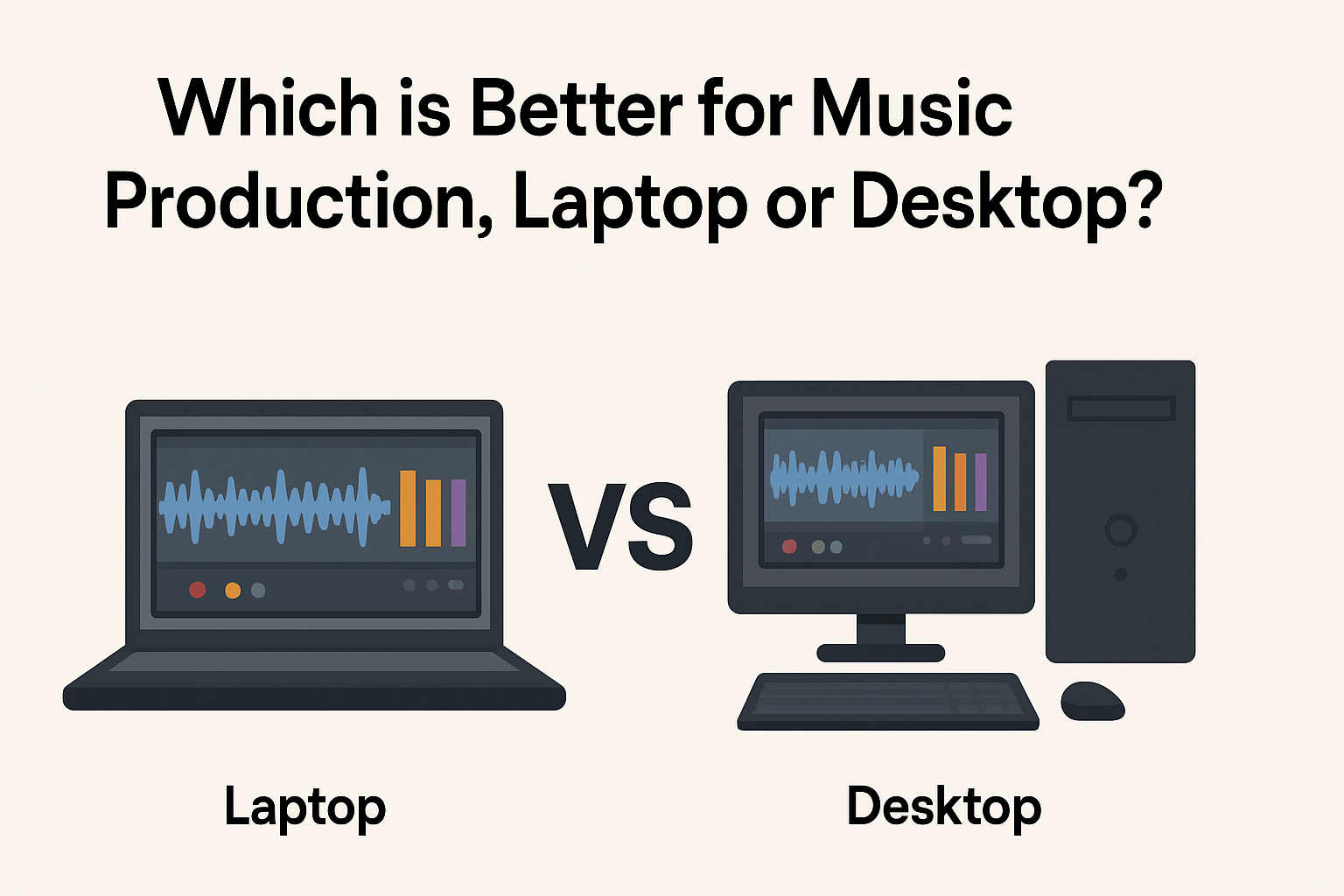
When deciding between a laptop and desktop for music production, you want to choose the option that fits your workflow, budget, and space. Both have their strengths and weaknesses, so understanding what matters most to you will help you make the right choice. Let’s break down the factors you should consider so you can answer the question: which is better for music production?
Performance and Power: How Much Muscle Do You Really Need?
Music production software, also called digital audio workstations (DAWs), can be demanding. They require good processors, plenty of RAM, and fast storage to handle multiple tracks, plugins, and effects smoothly. Desktop computers generally offer better performance because they can accommodate bigger, faster components.
With a desktop, you’re able to choose powerful processors, high amounts of RAM (16GB or more), and large solid-state drives (SSD) without worrying much about power consumption or heat. This means fewer slowdowns and less waiting time when you’re mixing or rendering your tracks.
Laptops, while improving rapidly, often have to make compromises. They may have slower processors and less RAM than desktops at the same price point. Over long sessions, laptops can heat up, causing performance dips due to thermal throttling. However, modern high-end laptops can still provide plenty of power for music production, especially if you mainly use a moderate number of tracks and effects.
If you heavily multitask with extensive plugins, virtual instruments, and large sample libraries, a desktop might serve you best. But if you produce more straightforward projects or focus on portability, a laptop can handle most workloads just fine.
Portability: Work Anywhere You Want or Stay Set Up at Home
One of the biggest differences between laptops and desktops is portability. If you want to produce music on the go, a laptop is obviously the way to go. You can work at a coffee shop, travel while still having your setup, or collaborate easily with others by bringing your machine along.
Desktops, on the other hand, are designed for a fixed location. This means more setup freedom — you can use bigger monitors, full-sized keyboards, professional audio interfaces, and studio-grade speakers without worrying about space or battery life. But moving a desktop rig often means disconnecting multiple cables and packing heavy components, making it impractical for mobile work.
So, if your music production requires frequent location changes or live performances, a powerful laptop gives you the flexibility to keep creating wherever inspiration hits.
If you mostly produce at home or in a studio space, a desktop gives you more room to build your dream setup without portability constraints.
Upgradeability and Cost: Plan Now, Grow Later
Desktops usually win in upgradeability. You can swap out your CPU, add more RAM, upgrade your storage, or even improve your audio interface with ease. This means a desktop can last longer and keep up with new software requirements without needing a full replacement.
Laptops have limited upgrade potential. You’re often restricted to upgrading only the RAM or storage, and sometimes even those are soldered onto the motherboard. When your laptop becomes outdated, you usually have to buy a new one.
Cost-wise, desktops tend to offer more performance for your money. Because you can build or choose parts separately, you often get better specs at a lower price compared to laptops.
But laptops bundle portability and power in a compact device, which can be worth the extra cost if mobility is important to you.
Choose What Fits Your Music Production Style
- If you want maximum power, easier upgrades, and don’t mind a fixed workspace, go with a desktop.
- If you need to produce music on the move or have limited space, a laptop is your best bet.
Both devices can handle music production well today, but knowing your needs will guide your choice.
Remember to also invest in good headphones, audio interfaces, and speakers to improve your sound quality no matter which machine you choose.
Your music production journey is personal — pick the tool that helps you create without limits!